PianoGlow setup
Most PianoGlow questions after install are about the keyboard, not the store page. Pick the row that matches the instrument in front of you. Each link is one job, written from the developer FAQ, the MIDI test page, and Steam posts.
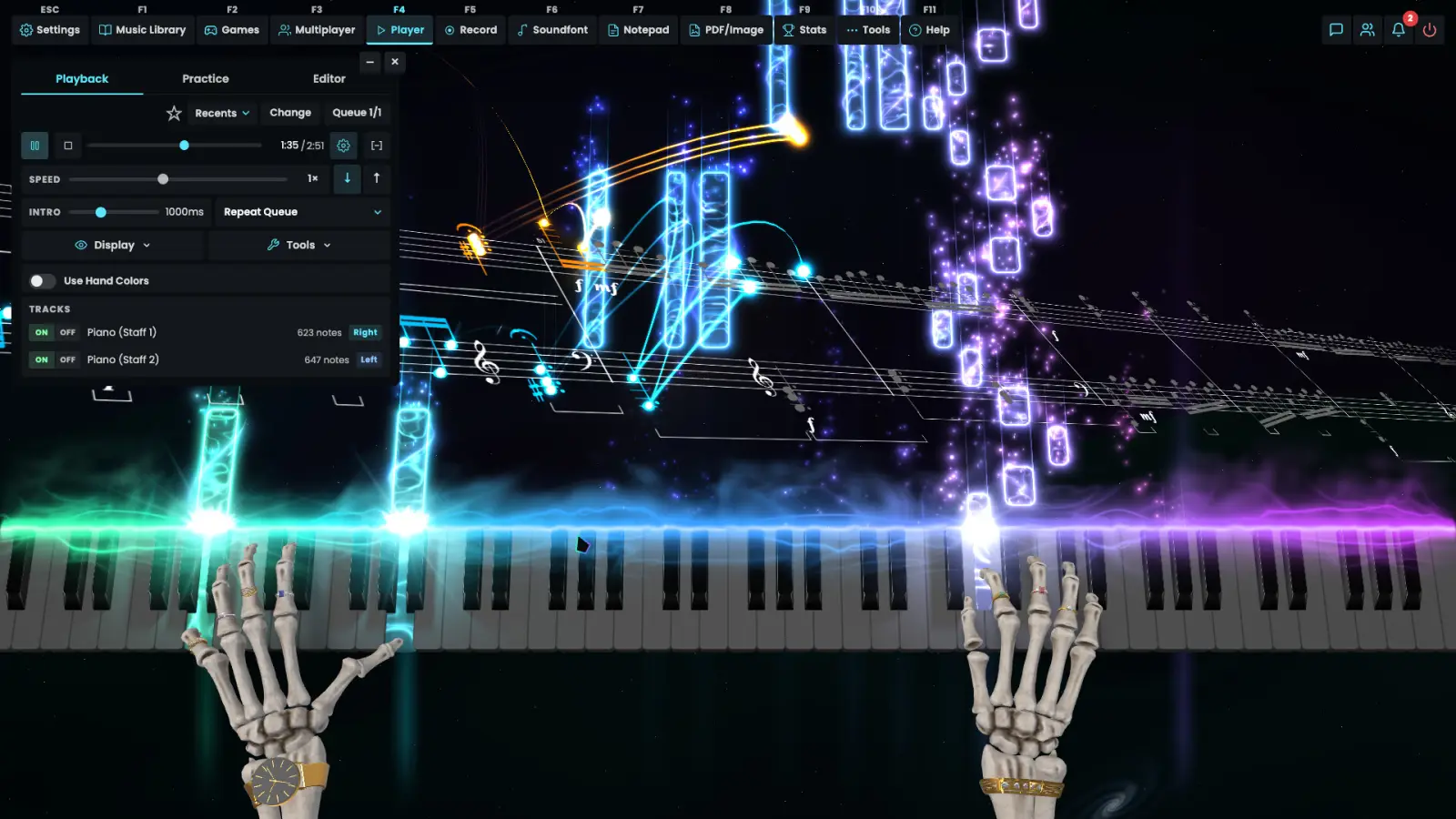
Start from the instrument
A computer keyboard needs no cable. A digital piano usually has a port labeled USB To Host or MIDI Out. An acoustic piano has neither, and the developer says a microphone is the worse path. If the keys are already connected and the game is silent, skip the connection guide and open the fix page.
| You have | Open | Why |
|---|---|---|
| A digital piano or MIDI controller | Connect a real keyboard | Cable order and the browser test |
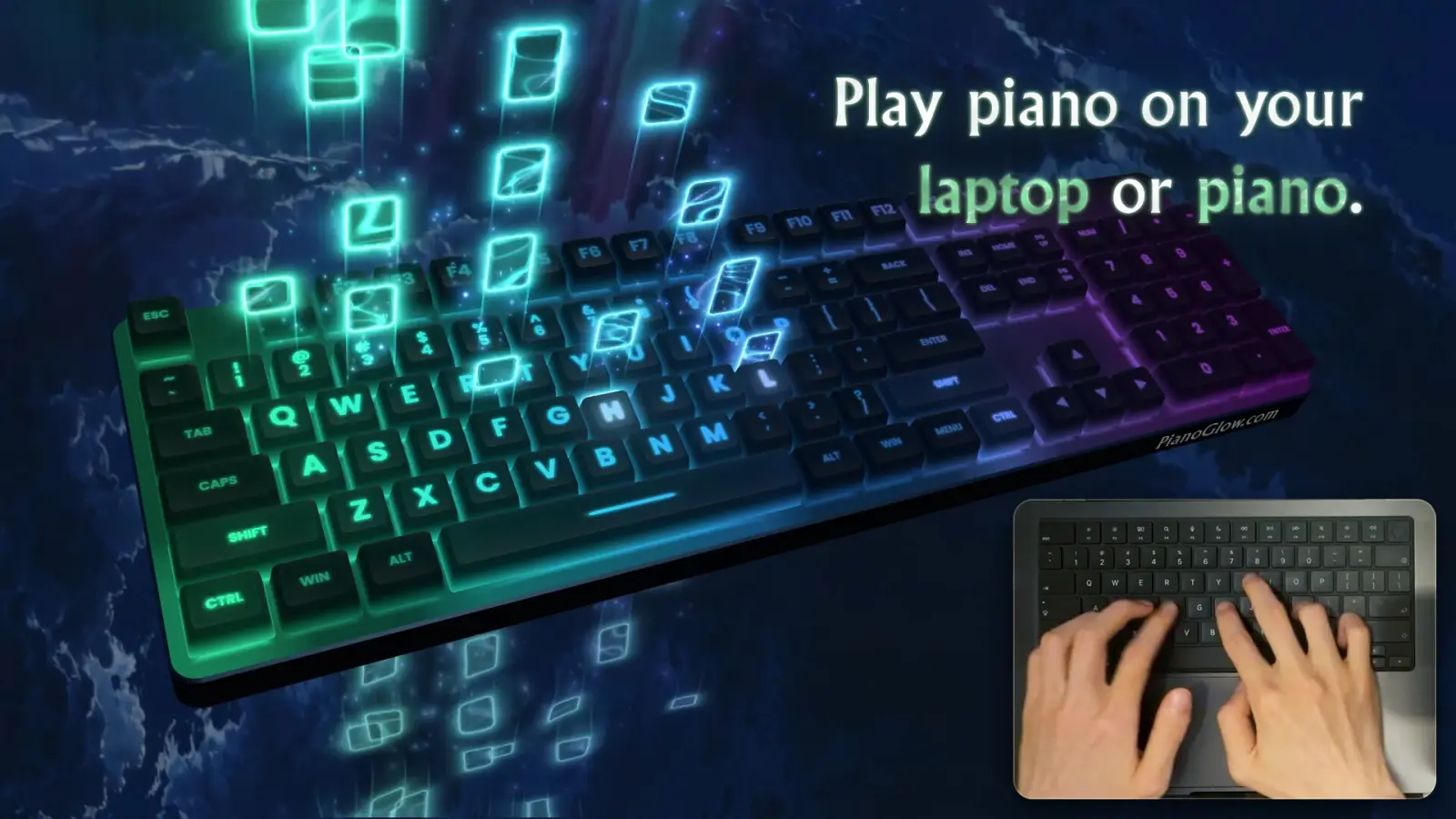
| Only the laptop keys | Beginner guide | QWERTY charts and the first modes |
| A scale you want to drill | Scale practice | What the mode can and cannot lock |
| Sound, lag, or a dead port | Troubleshooting | ASIO, Bluetooth MIDI, file repair |
| A phone or tablet | Mobile download | Native apps, or Steam Link |
The one check worth doing before you buy a cable
The developer publishes a MIDI test in the browser. Plug the piano in, allow MIDI when the browser asks, and press a key. If a note, a velocity, and a channel appear, the instrument is speaking. If they do not, check the cable, permissions, device selection, and browser MIDI support before moving on. The test is the official page, not a copy on this site.
Related guides
Questions
Do I need a MIDI keyboard for PianoGlow?
No. Computer keys play the QWERTY charts. A MIDI keyboard is how you use a real digital piano.
Where are the settings?
After the test page shows notes, the game’s MIDI settings are where you pick the device. The developer FAQ is the short version of that sentence.
Sources
- Developer FAQ — checked 2026-11-09
- MIDI test — checked 2026-11-09
- Steam store page — checked 2026-11-09