PianoGlow beginner guide
There is no official “first launch” document. This page stitches the FAQ and the mode guides into the first hour: choose an input, open one drill, and ignore the rooms until a song is comfortable. Function keys below are the ones those guides name.
The first hour
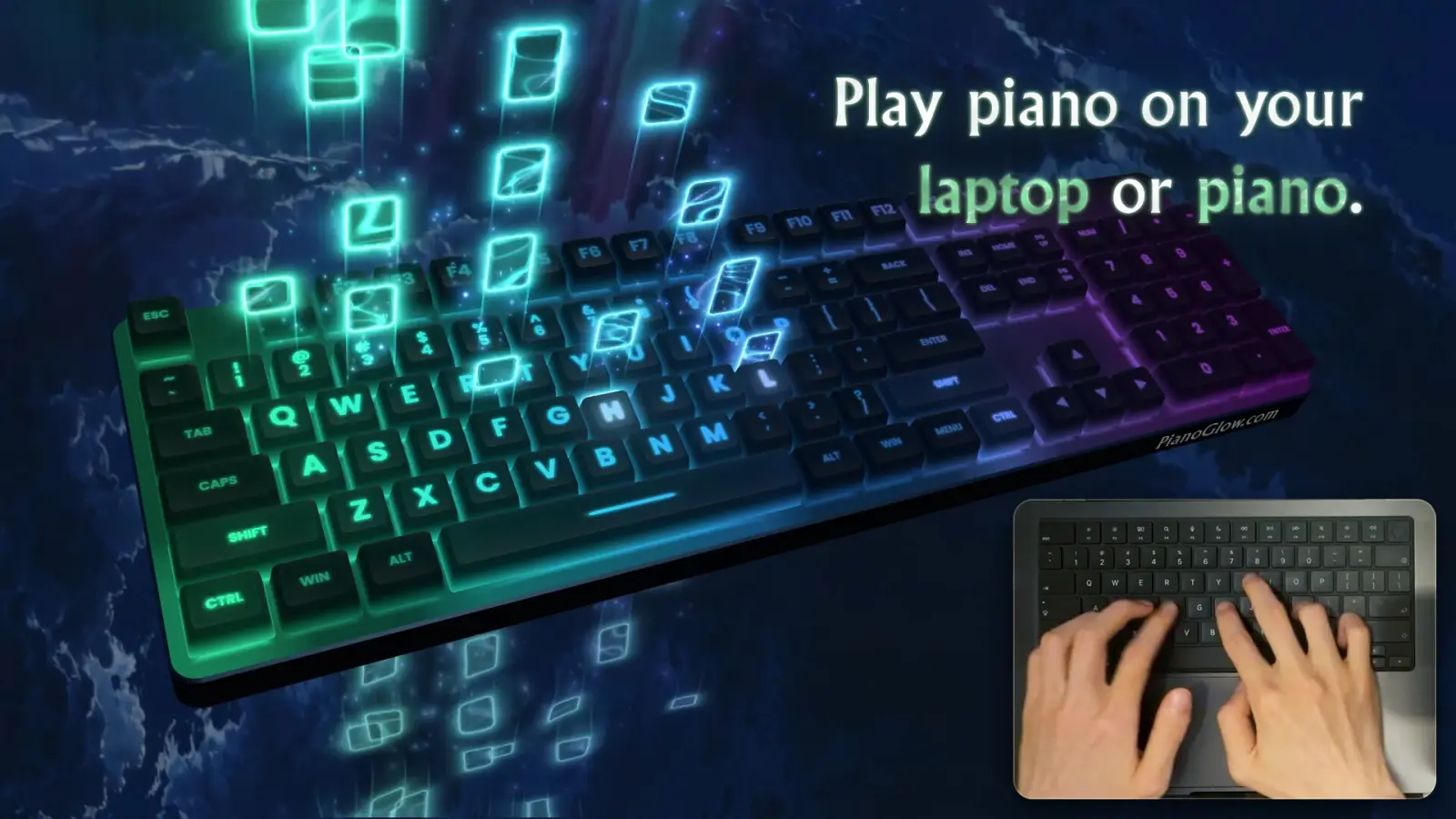
If you have a digital piano, stop after step two and run the MIDI test. A dead cable wastes the rest of the hour. If you only have the laptop keyboard, stay on QWERTY. The letter charts are not a lesser mode. They are the larger public library, and they do not contain rhythm. When you want timing, switch to a MIDI file in Falling Notes.
- Install from Steam, or open the phone app if that is the copy you have. The menus are not identical.
- Pick computer keys or a MIDI device. MIDI setup lives on the connection page.
- Press F1 for the QWERTY library, or F2 for the random sheet drill. F7 is the notepad.
- In Falling Notes, lower the tempo or save a checkpoint for a short section. Practice hands separately when the MIDI file places them on separate tracks.
- Chord Assist at 0, 1, or 2 fills in chord tones on QWERTY. Square brackets advance one note. Alt+P was added on 9 Nov 2026 as play/pause for QWERTY typing.
What each starter drill is for
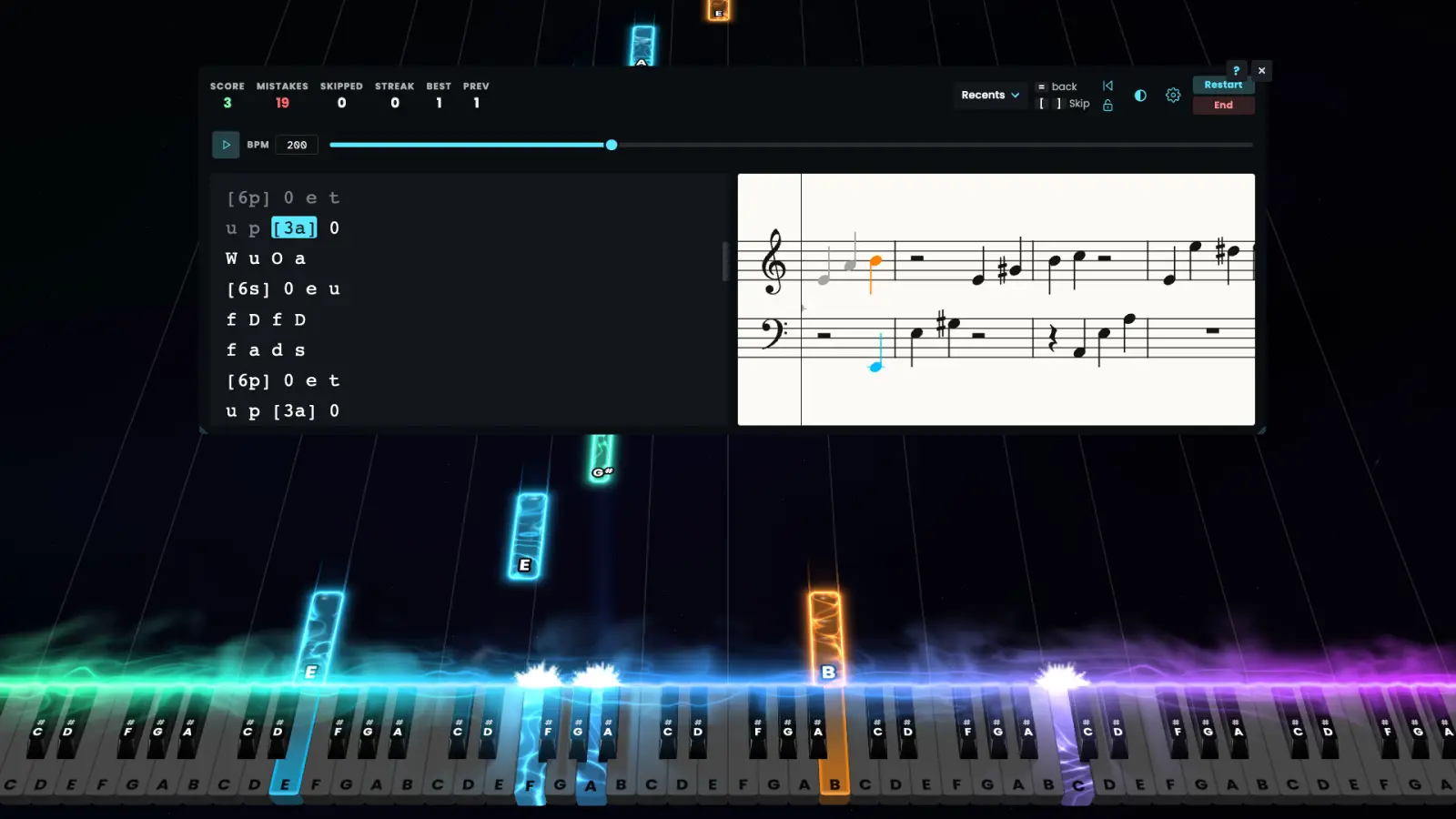
Type Mode is letter memory and speed. Falling Notes is timing: checkpoints, separate hands, and a slower tempo are in the guide. Sheet training generates notes with adjustable difficulty. Hovering a note shows its name. Ear training and rhythm are separate guides when you want them. Scales have their own page because the “only this key” question is not answered by a button list.
Camera control shows up in search suggestions. The 26 Oct 2026 developer announcement documents Fly Camera with WASD and mouse controls, plus custom camera shots. The announcement does not give a complete settings walkthrough.
| Key | Action | Status |
|---|---|---|
| F1 | QWERTY library | Type guide · 1 source |
| F2 | Sheet training | FAQ · 1 source |
| F7 | Notepad, auto preview | Type guide · 1 source |
| WASD + mouse | Fly Camera | 26 Oct 2026 announcement · 1 source |
| Alt+P | Play or pause QWERTY | 9 Nov 2026 note · 1 source |
Related guides
Questions
How do I play PianoGlow as a beginner?
Use F1 and a letter chart, or F2 and the random staff. Add a MIDI keyboard only after the browser test sees notes.
How do I choose the camera?
The 26 Oct 2026 developer post documents Fly Camera using WASD and mouse controls, and custom camera shots. It does not publish a full camera settings walkthrough.
Sources
- Developer update: Alt+P shortcut — checked 2026-11-09
- Developer FAQ — checked 2026-11-09
- Type Mode guide — checked 2026-11-09
- Falling Notes guide — checked 2026-11-09
- Sheet guide — checked 2026-11-09
- Steam store page — checked 2026-11-09