How to import MIDI files in PianoGlow
MIDI is how PianoGlow gets rhythm. Letter charts do not have it. The official MIDI guide names three places a file can come from: the in-game library, a file you already have, and the developer’s converter. The developer homepage also lists MIDI recording and a built-in editor.
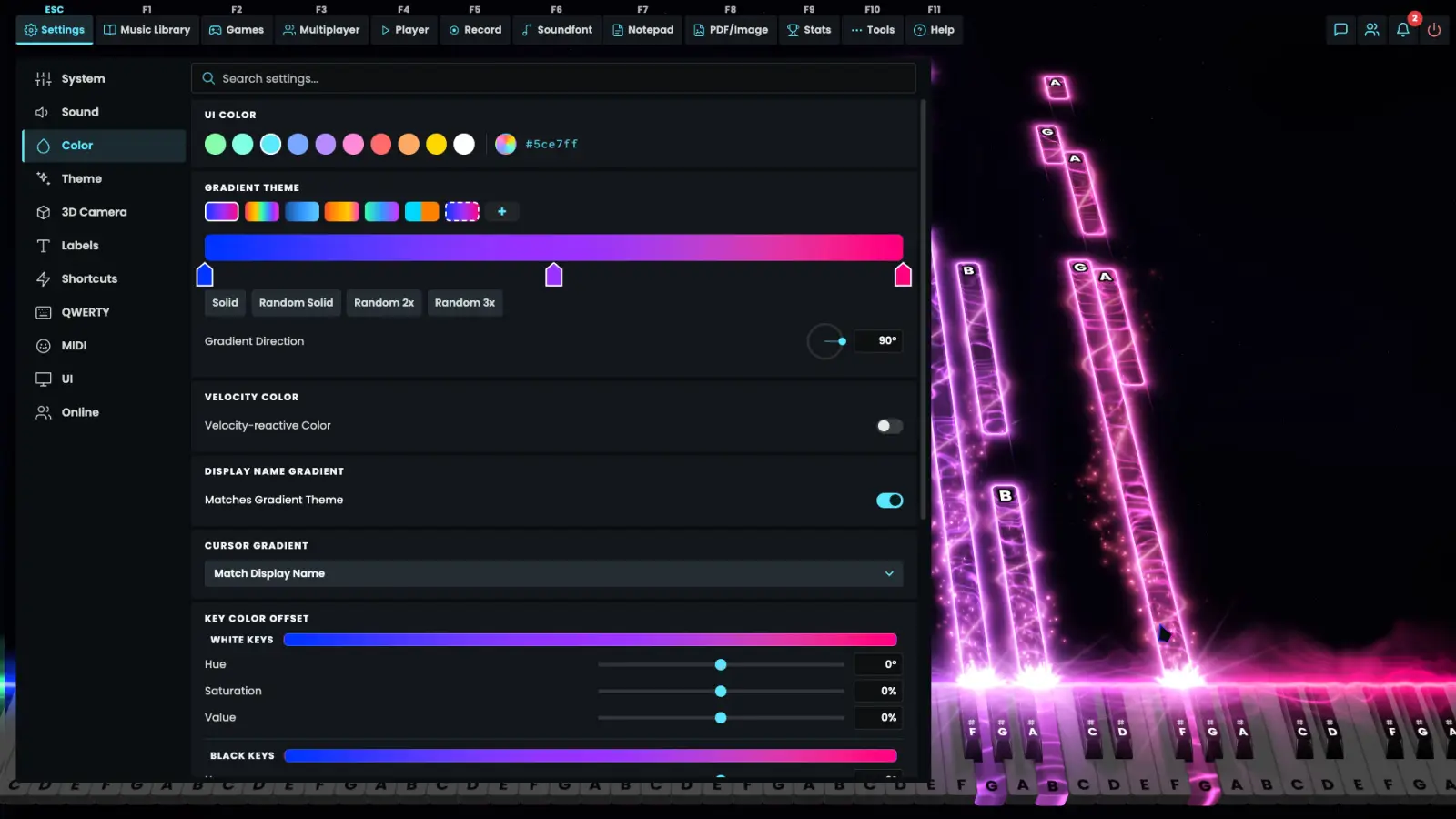
Load a file you already trust
MusicXML imports as well as MIDI. The guide’s outside examples include MuseScore and other public MIDI libraries. I am not hosting those files, and I am not grading their copyright. Use files you created or have permission to use, then open them in Falling Notes; the current public MIDI guide does not document an import shortcut.
- Use the app’s file-import control to select your MIDI or MusicXML file; the public guide does not name its current button or shortcut.
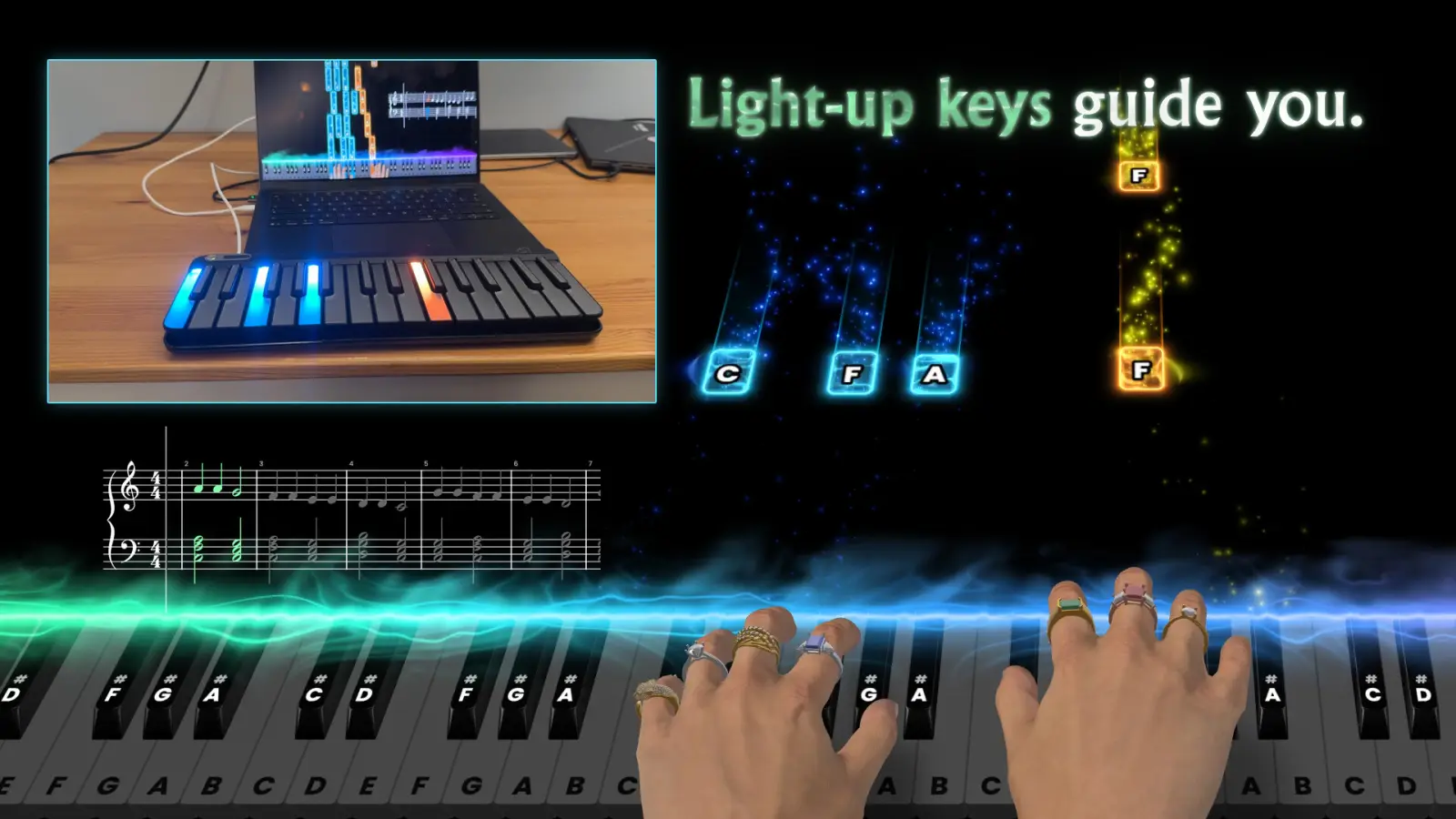
- Open Falling Notes. Use a slower tempo, one hand, or a loop if the chart is dense.
- The app also offers MIDI recording, as listed on the developer homepage.
- Edit inside the built-in MIDI editor when the file needs a cut, not a new download.
Convert audio, a microphone, or a PDF
Tools, then AI Convert To MIDI, turns audio into a MIDI file. A 6 Nov 2026 note adds a live microphone path under Settings, then MIDI. A 26 Oct 2026 note puts PDF to MIDI and MusicXML in beta. The posts do not publish an accuracy rate, a page limit, or a list of failures. Those cells stay empty. Treat a conversion as a draft you will edit, not as engraving.
| Tool | What is said | Status |
|---|---|---|
| AI Convert To MIDI | Audio becomes a MIDI file | MIDI guide · 1 source |
| Microphone to MIDI | Live input, Settings then MIDI, 6 Nov 2026 | Steam news · 1 source |
| PDF convert | Beta as of 26 Oct 2026, MIDI or MusicXML | Steam news · 1 source |
| Accuracy | Not printed | Left blank |
| Import / recording shortcuts | Not specified in the current public guide | Not published |
Related guides
Questions
How do I play MIDI files in PianoGlow?
Open a MIDI file with the app’s import control and practice it in Falling Notes; MusicXML import is also listed on the developer homepage.
Can PianoGlow turn a video or a PDF into MIDI?
Audio conversion is in the MIDI guide. PDF conversion was marked beta on 26 Oct 2026. No accuracy figure is published.
Sources
- Developer features: import, recording and MIDI editor — checked 2026-11-09
- MIDI guide — checked 2026-11-09
- Falling Notes guide — checked 2026-11-09
- Steam news — checked 2026-11-09