Download PianoGlow
There are four places the developer actually ships PianoGlow: Steam for desktop, the App Store, Google Play, and a browser shell that asks you to sign in. This page is the map. It does not host installers.
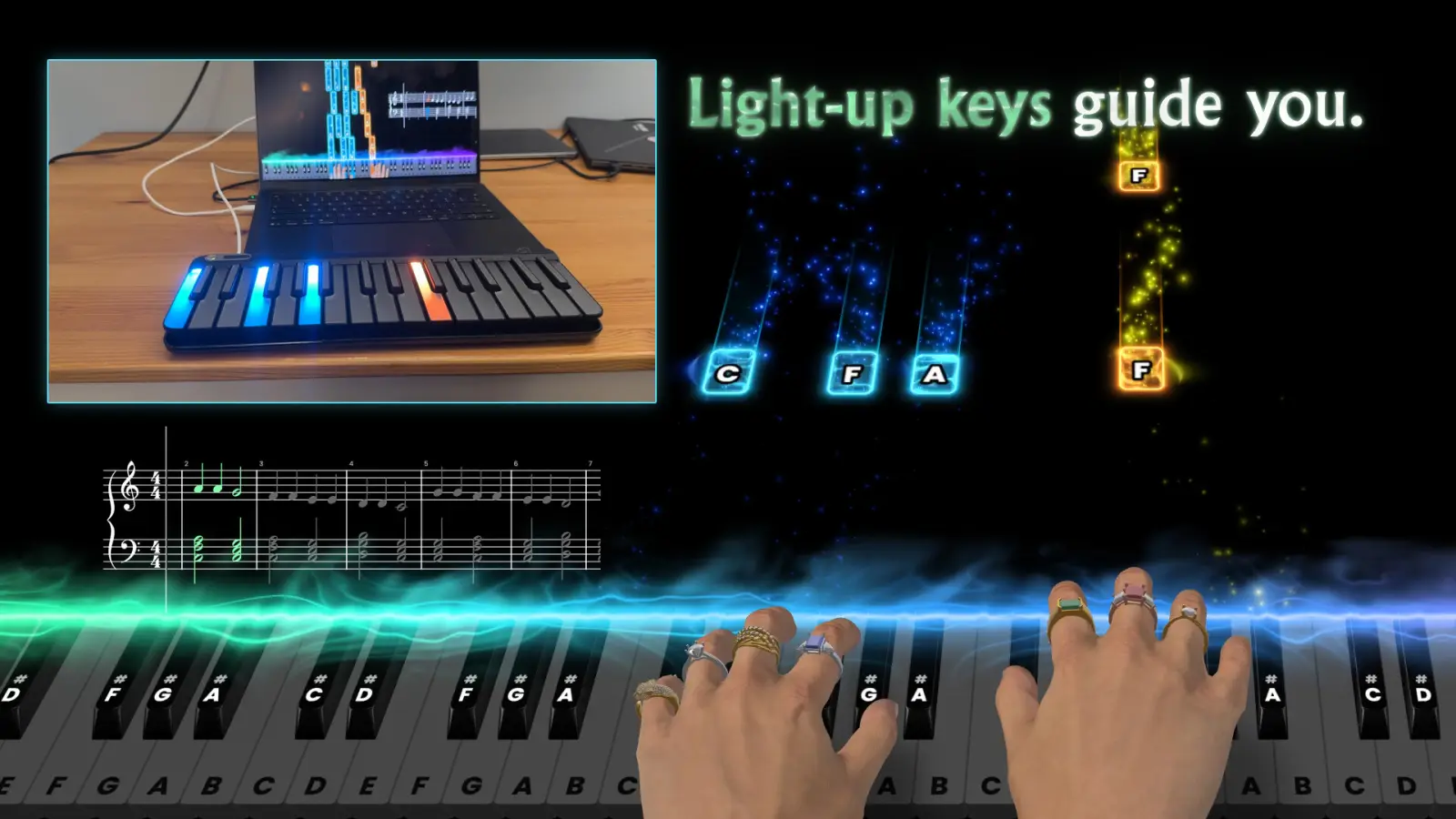
Pick the copy that matches your device
Desktop is one Steam purchase, app 3499520, shared by Windows, macOS, and Linux. On 9 Nov 2026 the US price was $17.49, reduced from $24.99. Phone and tablet apps are separate products. They install free and list in-app purchases. The Android listing also says it contains ads. The iOS listing I read did not mention ads.
The developer has no PDF of “click here, then here” for Steam. The steps below are the ordinary Steam install, labeled as such.
| Path | Price that day | Status |
|---|---|---|
| Steam, Windows / Mac / Linux | $17.49 from $24.99 | Steam store · 1 source |
| App Store, iPhone and iPad | Free install, purchases inside | App Store · 1 source |
| Google Play | Free install, purchases inside, ads listed | Google Play · 1 source |
| Browser shell at /app | Price after sign-in not published | Developer site · 1 source |
| Steam demo 3500070 | Store page redirected home | Historical SteamDB record; current Steam redirect |
Desktop install
Use these steps only for the Steam edition. Phone apps use the store buttons on your device.
- Open the Steam store page for Piano Glow and sign in to the Steam account that will own the game.
- Buy the current price, or open it from your library if you already own it.
- Let Steam finish the download. The Windows minimum listed on the store is about 800 MB of disk, so leave more than that free.
- Start the game from the library and pick computer keys or a MIDI keyboard on the first screen.
- If a keyboard is silent, stop and use the developer MIDI test page before changing drivers.
What I am not linking
Repack sites, torrent names, and “missing DLL” bundles show up when people search for a free desktop copy. None of those are the developer. The legal free installs are the phone apps, and the desktop price is the Steam price. The risk page explains why a cracked build is a bad trade even before the legal problem.
Related guides
Questions
Where do I download PianoGlow for PC?
Steam, app 3499520. The same library entry covers Windows, macOS, and Linux.
Is the mobile app the same as Steam?
No. The stores list separate apps. Android’s description mentions multiplayer. The iOS description I read does not, and an older developer post said iOS had no multiplayer. Both statements stay up.
Sources
- Steam store page — checked 2026-11-09
- App Store listing — checked 2026-11-09
- Google Play listing — checked 2026-11-09
- Browser shell — checked 2026-11-09
- SteamDB demo record (research snapshot; current access 403) — checked 2026-11-09